You haven't signed in yet, you can have a better experience after signing in
*Please complete the payment within {{receiveCouponInfo.expire_at}}Previous use*
You haven't signed in yet, you can have a better experience after signing in



Activity Rules
1、Activity time:{{ info.groupon.start_at }} ~ {{ info.groupon.end_at }}。
1、Activity time:cease when sold out。
2、Validity period of the Group Buying:{{ info.groupon.expire_days * 24 }} hours。
3、Number of Group Buying:{{ info.groupon.need_count }}x。
Please Pay Attention
1、Teamwork process: Join/initiate a Group Buying and make a successful payment - Within the validity period, the number of team members meets the activity requirements - Group Buying succeeded!
2、If the number of participants cannot be met within the valid period, the group will fail, and the paid amount will be refunded in the original way.
3、The number of people required and the time of the event may vary among different products. Please pay attention to the rules of the event.
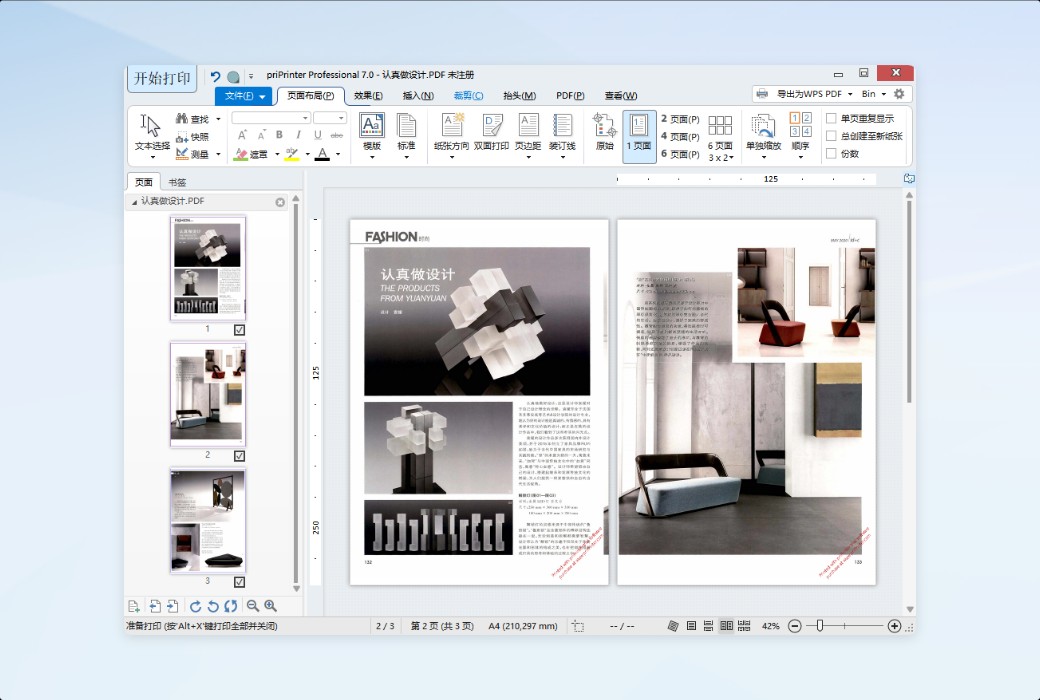
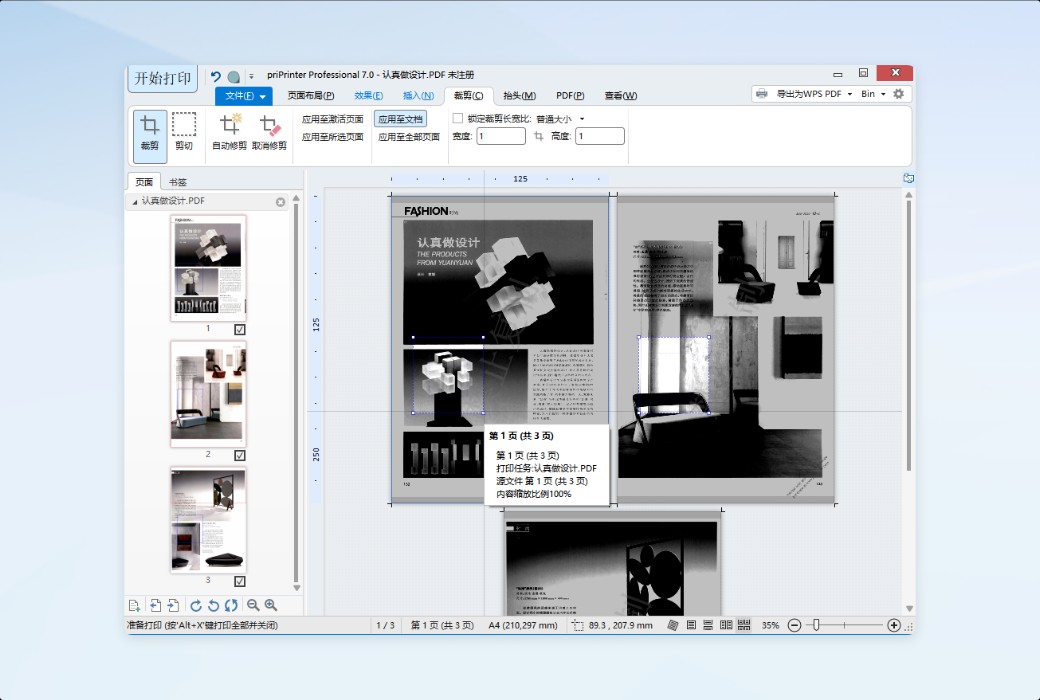
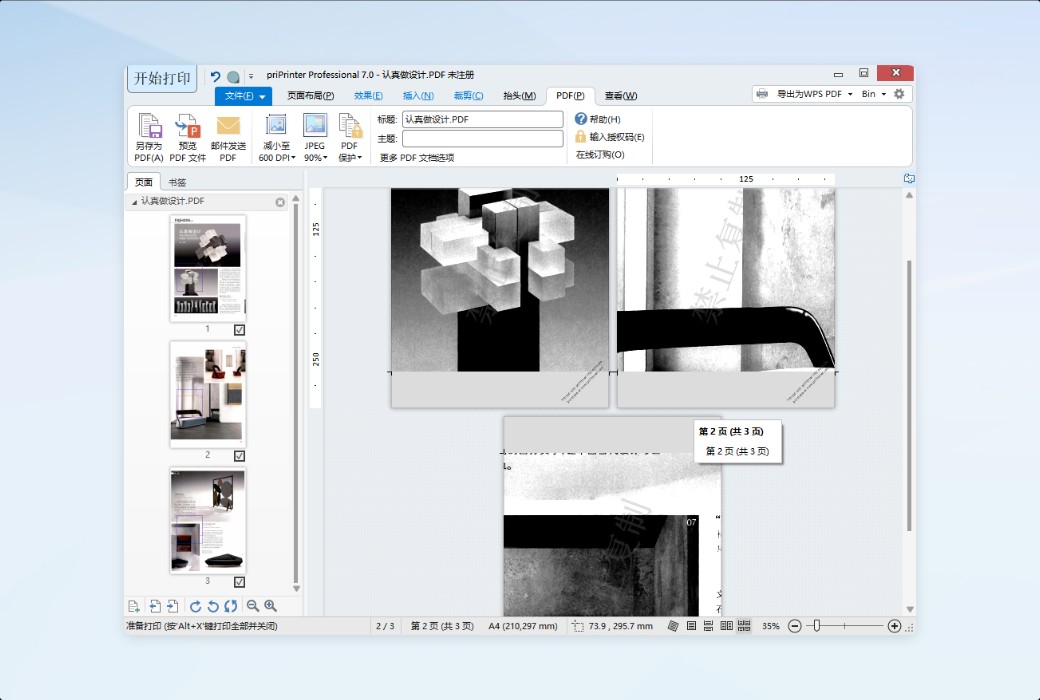
priPrinter is a leading print preview program that allows you to preview and modify printer jobs in various ways. Whether printing documents onto a stack of paper, a set of image files, or a PDF document, it's all effortless.
Virtual Printer
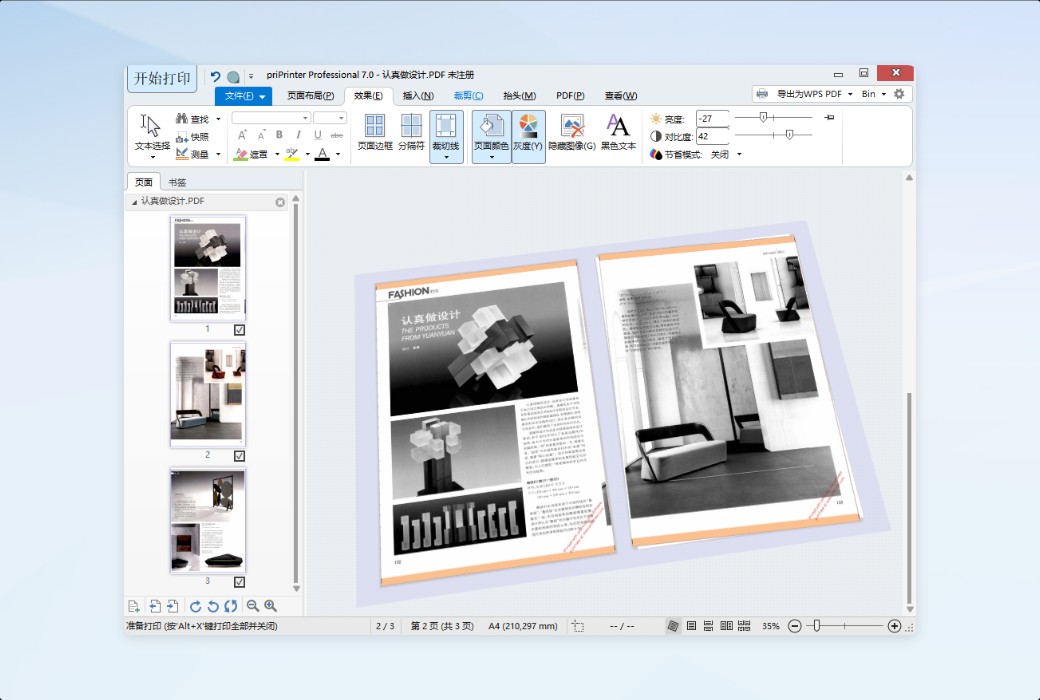
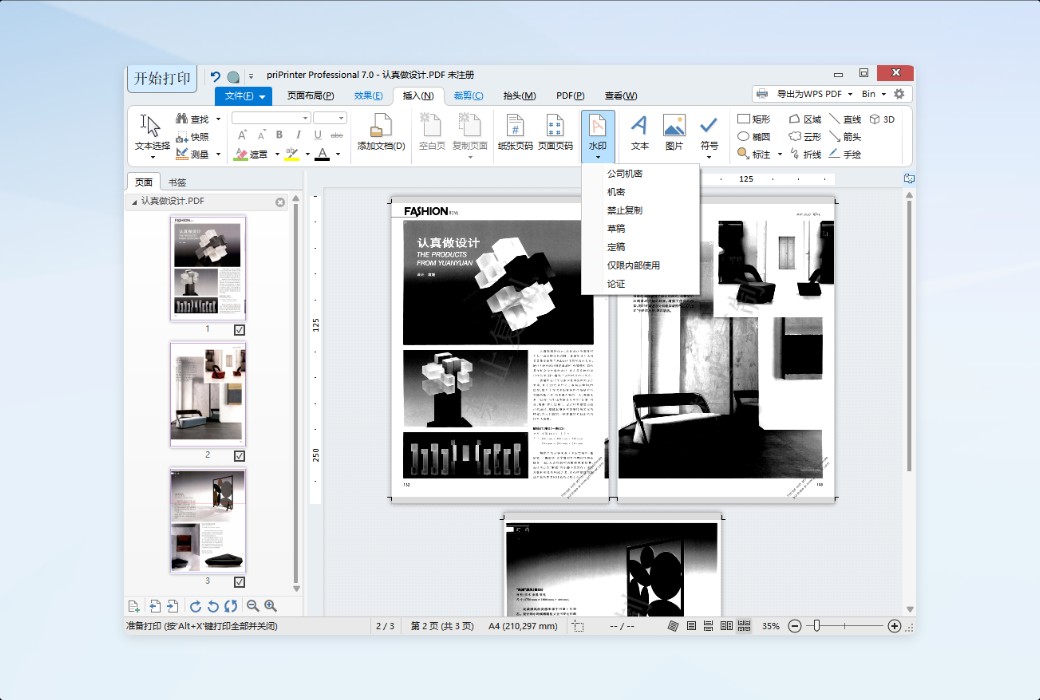
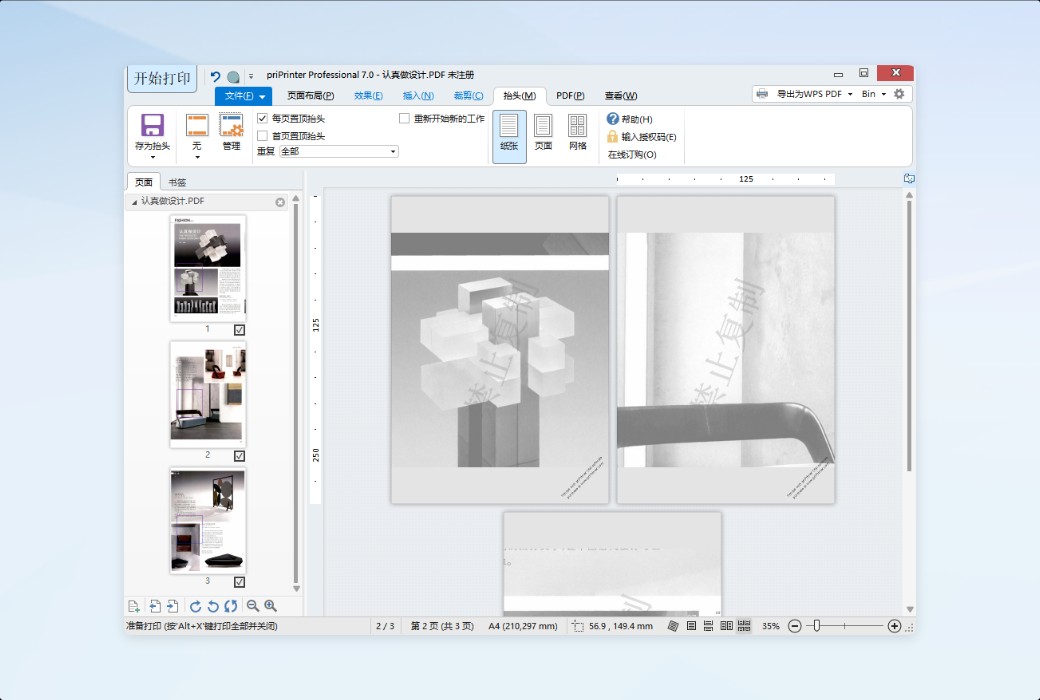
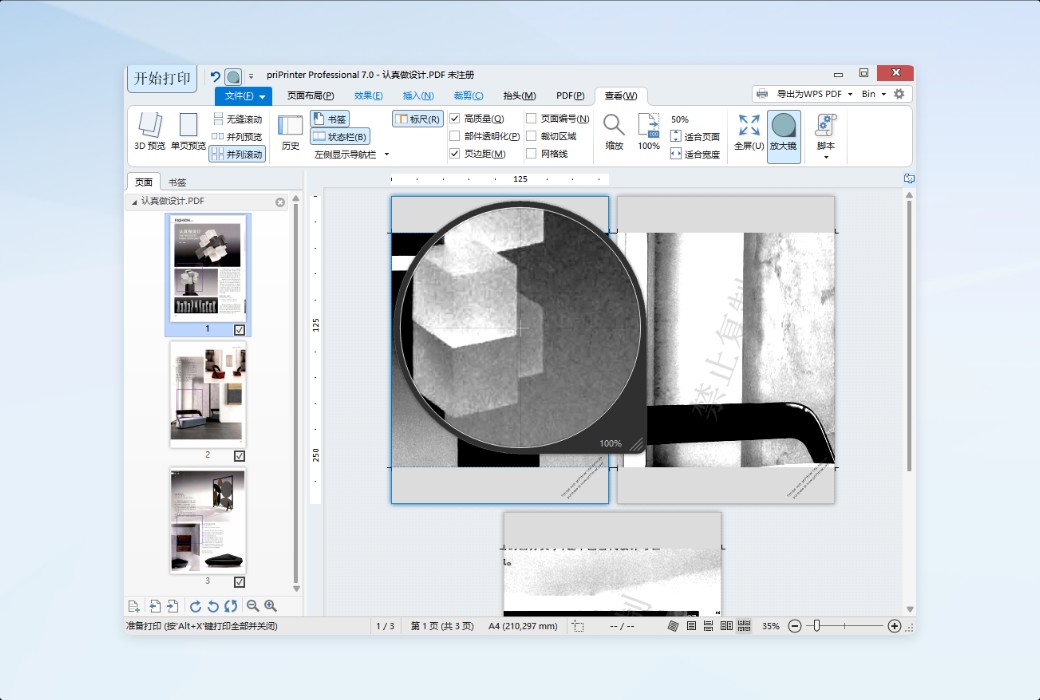
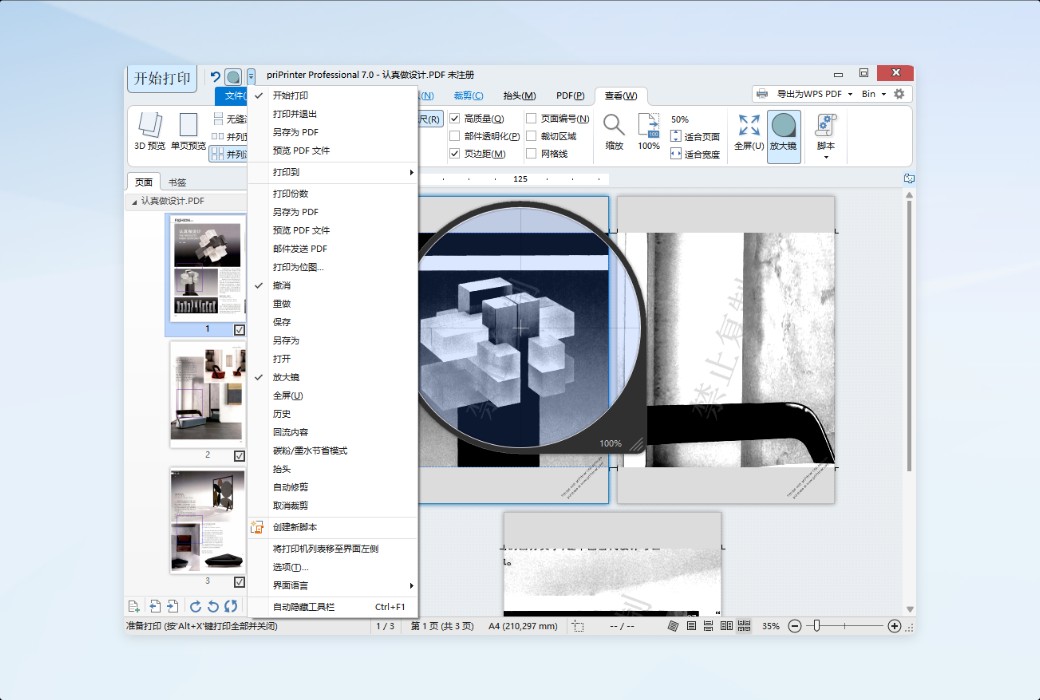
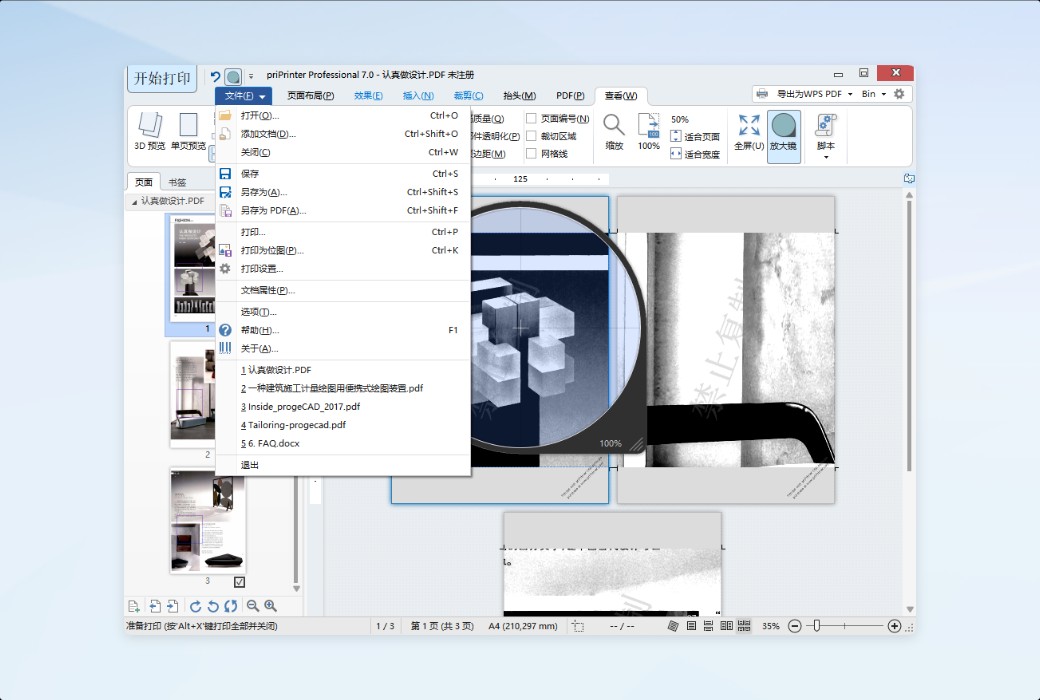
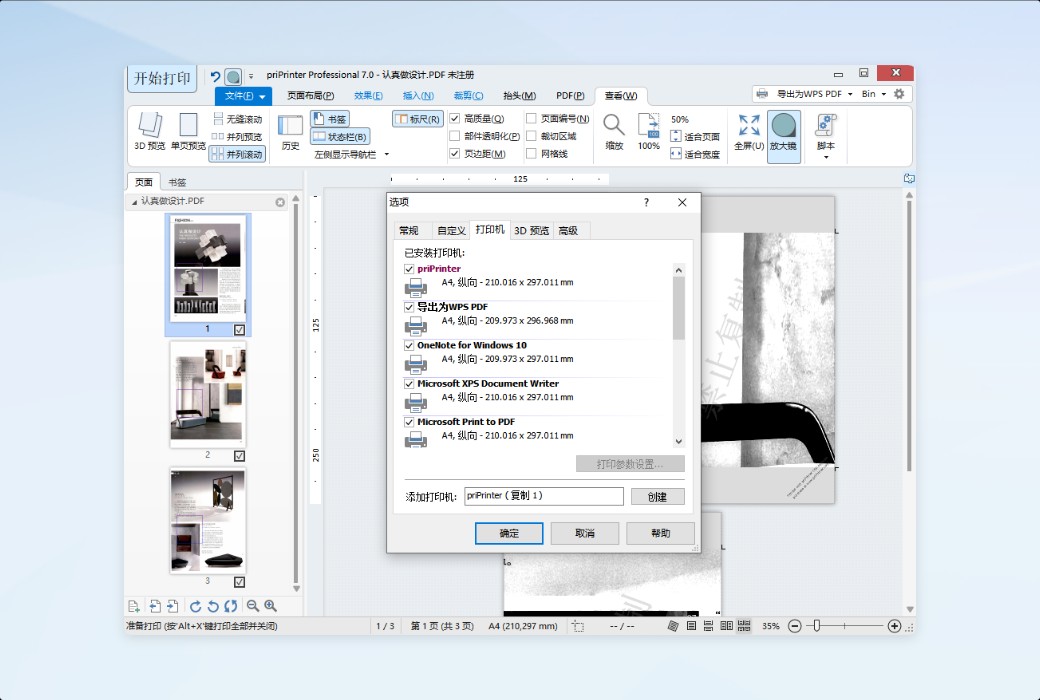
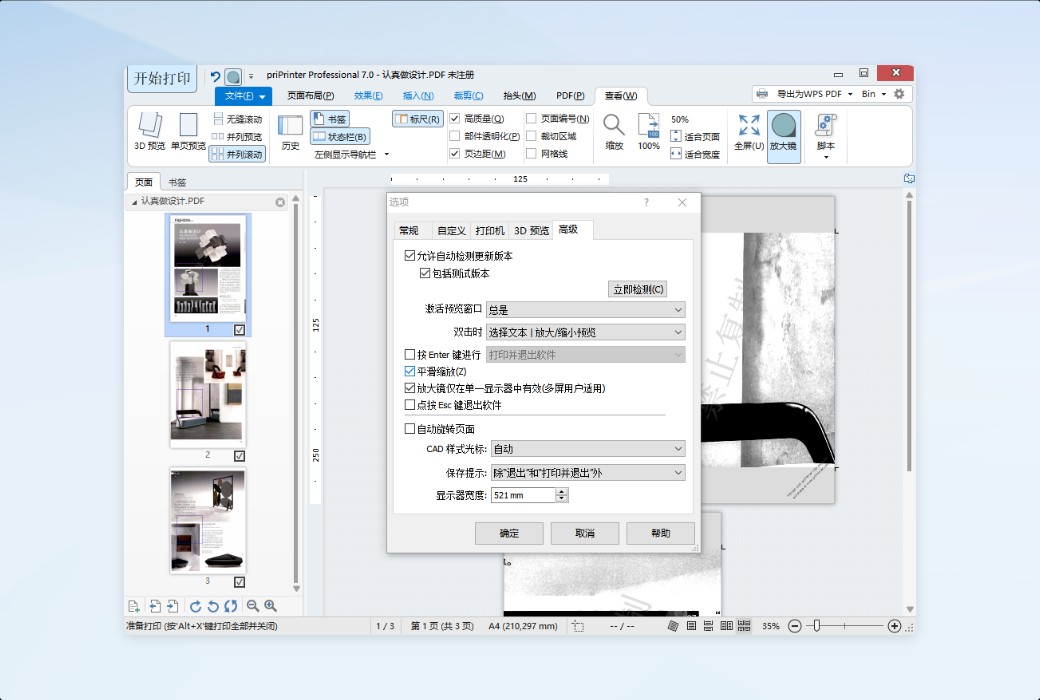
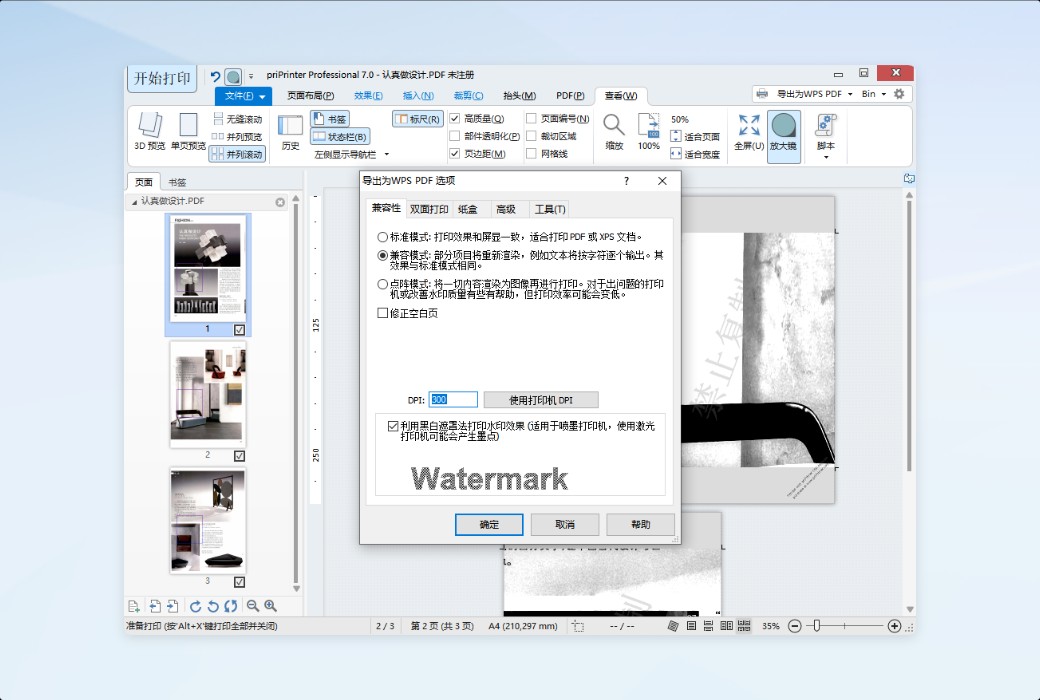
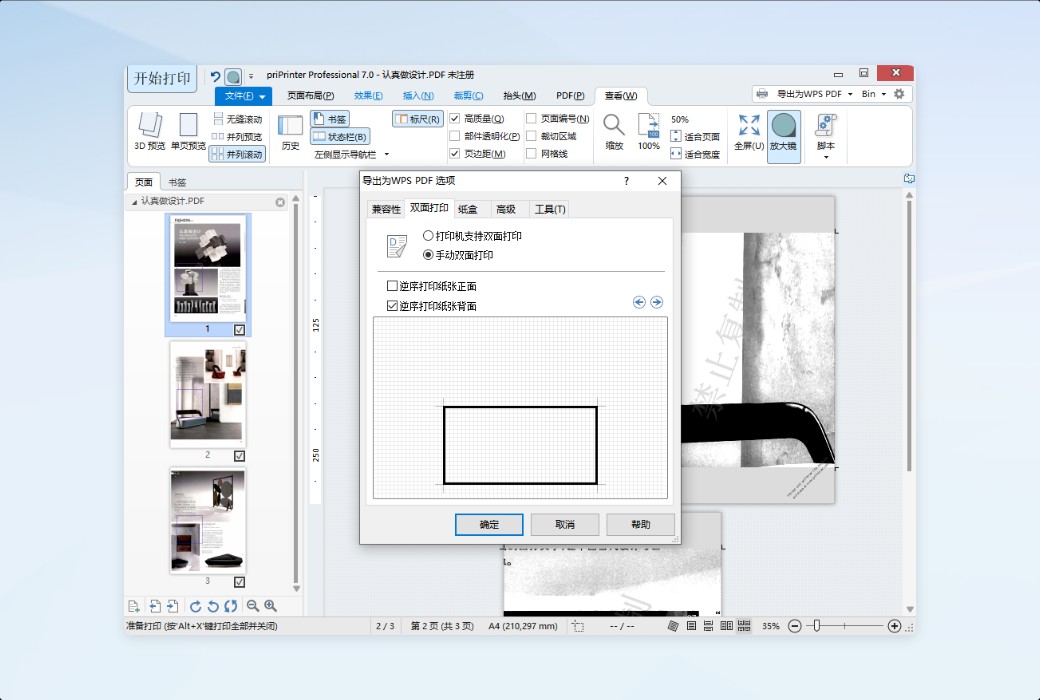
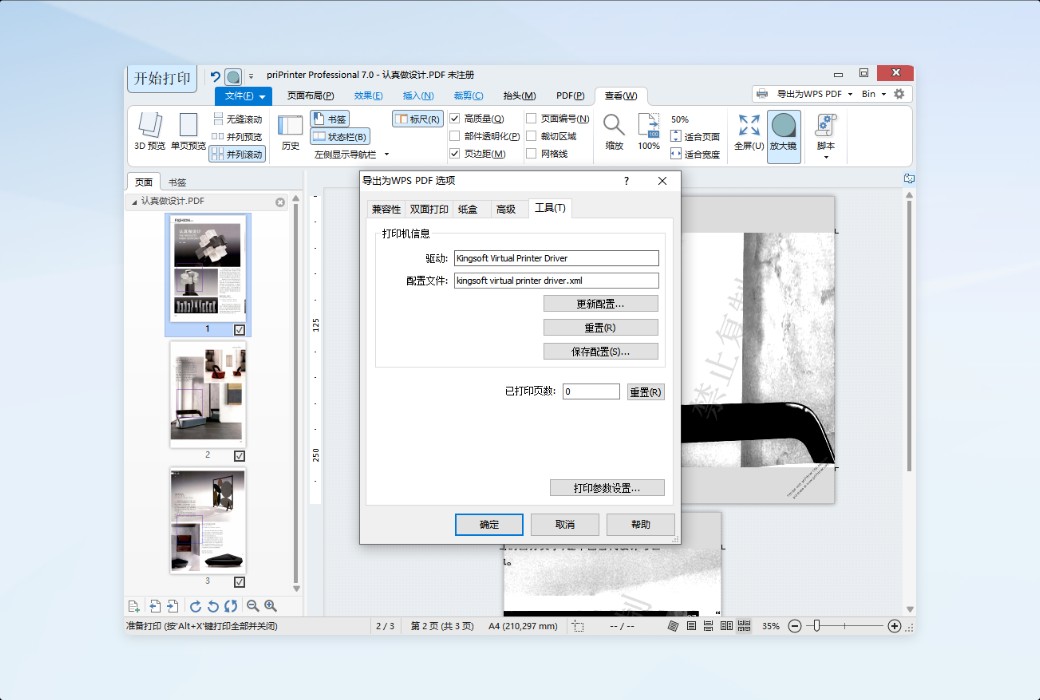
priPrinter is a virtual printer that you can access from within other applications at any time. To start a print job, simply select priPrinter as the printer within your application for printing. The software immediately generates a print preview, allowing you to check the visual appearance of the print in advance. During this period, you can use priPrinter to modify the printer job, such as removing pages or rearranging pages, changing page layout, making text corrections, adding watermarks or markings. This way, the print job can be carried out precisely according to your needs.
Economical and Cost-Saving
priPrinter saves printing expenses by scaling multiple pages to print on a single sheet of paper or removing unwanted pages/excessive headers or footers.
Get the desired effect the first time you print. The final printed result is exactly the same as what you see on your screen, eliminating the need to spend more money repeatedly trying to achieve the desired effect.
Features and Benefits
Official Website:https://priprinter.com/index.htm
Download Center:https://priprinter.apsgo.cn
Shipping Time: Manual processing for shipping
Operating Platform: Windows
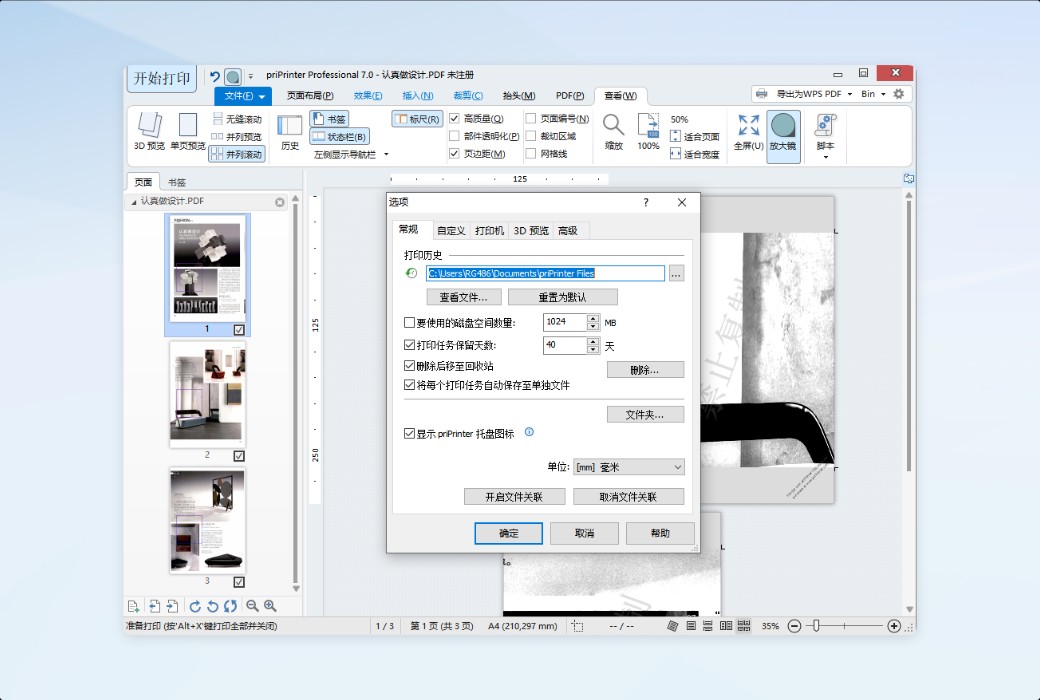
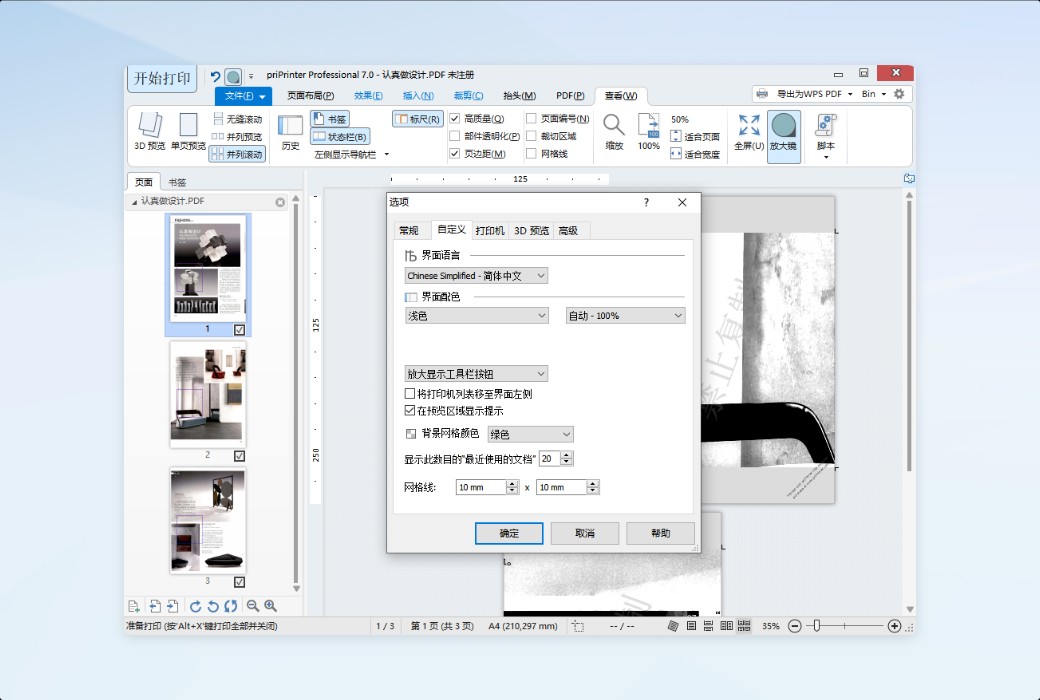
Interface Language: Supports Chinese interface display, with multiple languages available.
Update Instructions: Varies depending on the purchased version.
Trial Before Purchase: Free trial available before purchase.
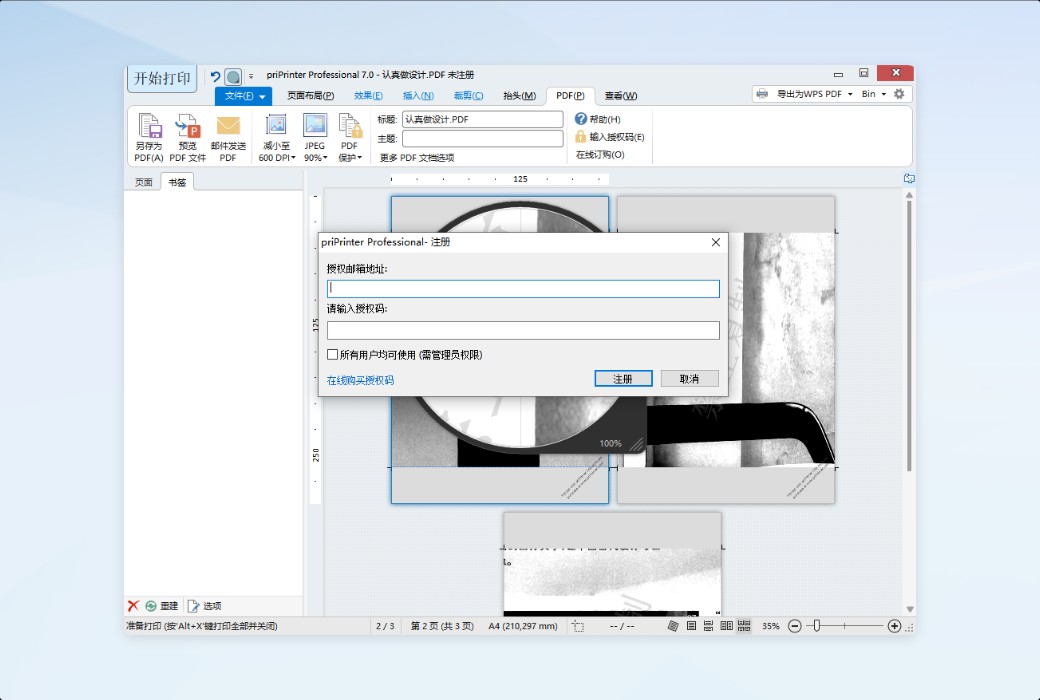
How to Receive Your Order: After purchase, activation information will be sent to the email provided during the order process. Additionally, you can view the corresponding product activation code in your personal center, under "My Orders".
Number of Devices: Can be installed on 1 computer.
Changing Computers: Uninstall on the original computer and activate on the new one.
Activation Guide: To be added.
Special Instructions: The version sold is the official global version, not a customized Chinese version, and is the same as purchasing from the English official website.
References:https://priprinter.com/index.htm

Any question